Manage customers
and deliver work.
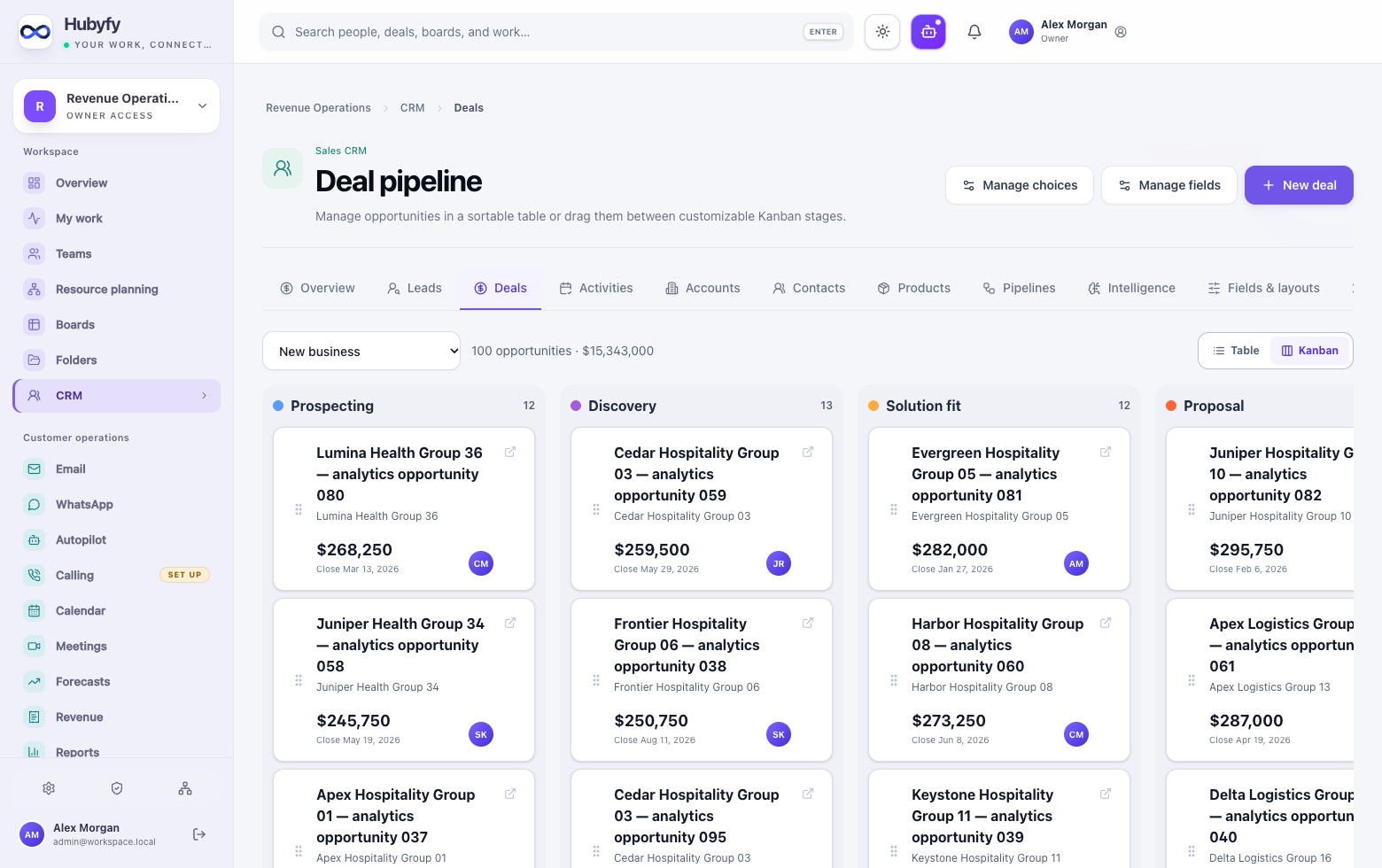
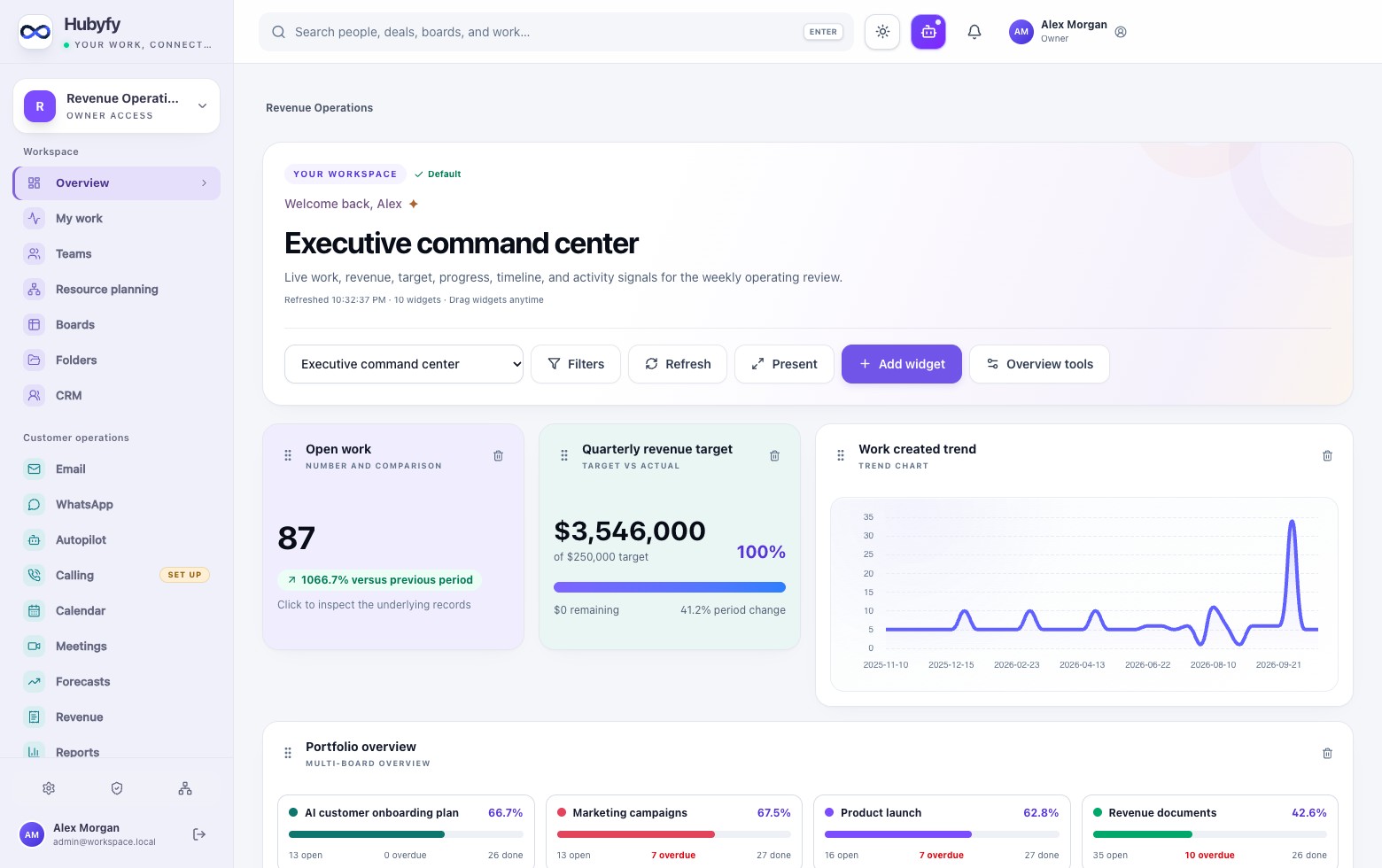
Keep leads, deals, follow-ups and projects organized, with a clear owner and next step.
Explore Hubyfy CRMCONNECTED WORK. CLOSER TEAMS.
CRM and project tools for customer work. A virtual office for remote teams. Creative studios for social content and presentation videos. Hubyfy helps sales, operations and marketing teams turn everyday work into visible progress.
Start with the problem you want to solve.
Explore the tools, then choose the right access for your team.


FIND YOUR STARTING POINT
Choose a goal to see the product built for it.
You do not need to start with everything.
Keep leads, deals, follow-ups and projects organized, with a clear owner and next step.
Explore Hubyfy CRMGive colleagues a shared office for informal conversations, meetings and focused work.
Explore SpacesDesign posts, carousels and reels, then review and plan publishing to supported accounts.
Explore Social MediaBuild editable scenes with narration and optional presenters, then export a presentation video.
Explore Presentation StudioMEET YOUR NEXT ADVANTAGE
Manage your work. Bring your team together.
Create the content and stories you want to share.
Move from a first enquiry to a deal and the work that follows. Keep customer history, commercial details and delivery plans close together, so your team spends less time rebuilding context.
Give the remote workday a familiar setting. Meet around a shared table, approach a colleague for a conversation or settle into a focus pod when you need uninterrupted time.
Independent of Hubyfy CRM · Contact us about hosted access
Turn a first thought into content worth sharing. Design posts, build reels, shape your message and bring your publishing plan together in one creative workspace.
Within Hubyfy today · Standalone access coming soon

 9:16 · REEL COVER
Make your next explanation easier to follow. Bring scenes, scripts, visuals and narration together for presentations people can watch, understand and come back to.
Within Hubyfy today · Standalone access coming soon
 01
“Welcome aboard. Let’s meet your team and make your first week a great one.”
EXAMPLE SCRIPTWHAT IT LOOKS LIKE IN PRACTICE
Use one product for a specific need,
or combine tools as your work develops.
WIN AND DELIVER A CUSTOMER PROJECT
In Hubyfy, capture the enquiry, assign a follow-up and develop the deal. Prepare the quote, then organize delivery on a board with owners, dates and supporting documents.
The advantage: sales and delivery have a clearer record of the customer’s needs and what should happen next.
See the customer workflowWELCOME A REMOTE COLLEAGUE
Use Presentation Studio to create a narrated introduction a new colleague can revisit. Meet in Spaces to walk through the work, share a screen and answer questions together.
The advantage: reusable guidance handles the explanation, leaving your live time for the person and their questions.
Explore team scenariosINTRODUCE A PRODUCT OR SERVICE
Create an announcement post, an explanatory carousel and a short reel in Social Media. Use Presentation Studio when the subject needs a longer narrated demonstration.
The advantage: choose the format that fits the audience, and keep editable originals for your next update.
Explore campaign ideasThese are examples of how your team can use the products together. Publishing, account connections and optional AI depend on the services and permissions you enable.


Start with what your team needs.
YOUR TEAM. YOUR CHOICE.
Already using Hubyfy? Sign in to your workspace for CRM and the tools available to your account. If you are new, tell us about your team and the workflow you want to improve—we can demonstrate the relevant features and discuss access and plans.
Spaces has separate access and can work independently of the CRM. Optional account linking lets you share selected email and calendar connections. Contact us about the current version and hosted access for your team.
Social Media and Presentation Studio are available within Hubyfy today. They will also be offered separately; standalone purchasing and access are coming soon.
Find the right fit for your teamHubyfy is the work platform for customer relationships, projects, documents and workflows. Hubyfy Spaces is the virtual office for distributed teams. They address different parts of your workday.
Yes. They will be sold as independent products and will also remain within the Hubyfy platform. Standalone access is coming soon. Explore Social Media or Presentation Studio, then contact us about plans and availability.
Existing Hubyfy users can sign in to their workspace. For a product demo, new access or standalone availability, contact our team.
Hubyfy and Spaces have their own access and permissions, with optional linking for supported connections. Social Media and Presentation Studio currently use your Hubyfy workspace; their separate access options will be introduced with the standalone release.
No. You can organize customer work, edit designs and create content with your own materials. Optional AI tools use credits and show usage or cost controls before approval. Available integrations and provider services may have separate requirements or charges.
Yes. Request a demo and tell us your team size, the work you want to improve and any essential integrations. We can focus the demonstration on your needs and discuss current plans and availability.
Our trust center brings together the privacy policy, terms, security information and data deletion instructions for our products. You do not need to sign in to read them.
MAKE ROOM FOR BETTER WORK
Tell us what your team wants to improve. We’ll help you choose a starting point and show you the relevant workflow.