
Presentation Studio / PRESENTATIONS & NARRATED VIDEO
Show the idea.
Tell the story.
Build a presentation people can watch and revisit. Combine editable scenes, narration and optional presenters, then export your video.
Available within Hubyfy. Standalone access coming soon.
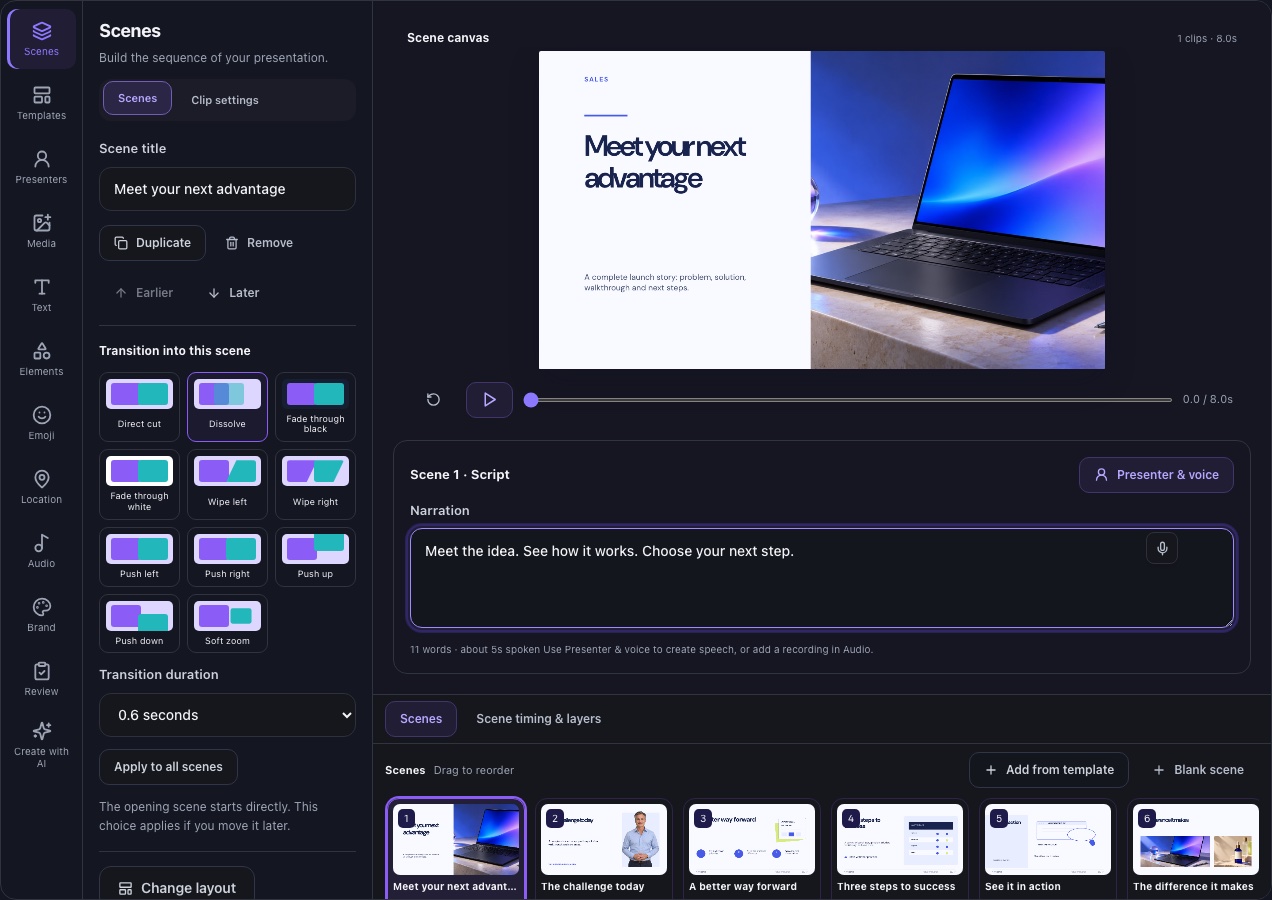
- Build scene by scene
- Add your voice
- Export the finished video
Presentation Studio IN PRACTICE
Start with a complete story.
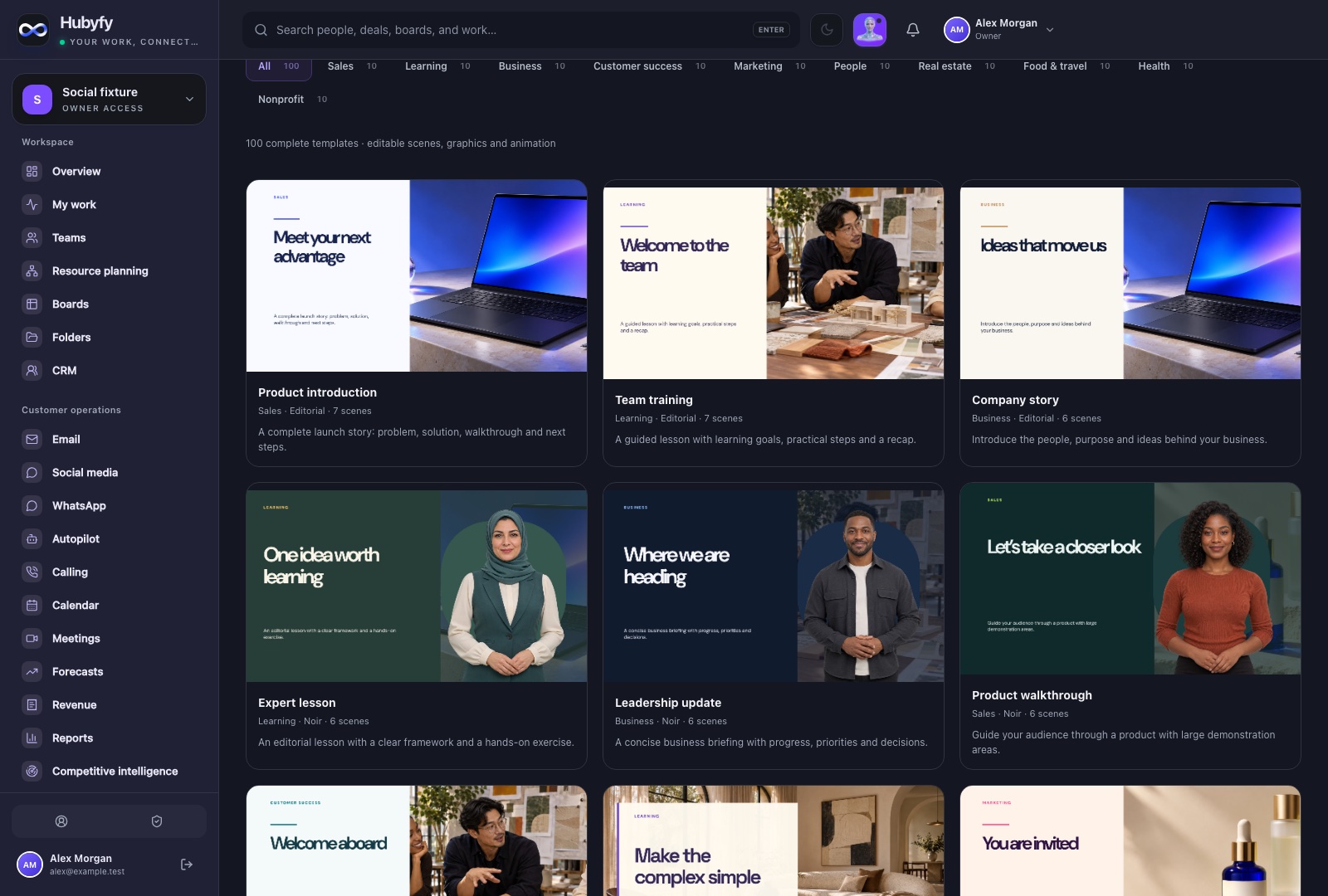
Choose a coordinated template, then make each scene your own. Keep the project editable for the next product update, lesson or team briefing.
- Editable scenes and visual layers
- Scripts, narration and optional presenters
- HD or Full HD MP4 export
GO A LITTLE DEEPER
The details,
when you need them.
Explore a feature or see how it fits your day.
Start with a structure.
Choose a coordinated template collection or begin with a blank scene. Build presentations for business, learning, sales and team communication.
Keep every scene editable.
Shape the text, images and visual elements independently. Arrange your storyboard and refine one scene without starting the whole presentation again.
Put a voice to your message.
Write a script, add narration and choose an optional presenter. AI voice and presenter generation show their costs before you approve.
Bring your brand into the story.
Work with your own media, brand styles and reusable resources. Keep a consistent visual language from the opening scene to the close.
Give the story its rhythm.
Adjust scene timing, animations and transitions. Preview the sequence with narration and your licensed soundtrack before exporting.
Take the finished video with you.
Export your presentation as an MP4 in HD or Full HD. Share the finished video through the channels and tools your audience already uses.
How it fits your workflow
- Set the direction. Pick a template or start from scratch. Outline the message and organize it into scenes.
- Build the presentation. Edit each visual, write the script and add narration or an optional presenter.
- Preview and export. Watch the presentation, refine the pace and export the complete video when you are ready.
Who is it for?
Onboard and train colleagues. Break a process into clear chapters, show the relevant visuals and add narration. Give new starters a video they can pause and revisit at their own pace.
Explain a product or proposal. Build a story around the customer’s problem, your approach and the next step. Use product visuals and a consistent presentation style to support the conversation.
Share knowledge across a team. Turn a project update, internal guide or educational topic into a structured video. Return to the editable source when the information changes.
GOOD TO KNOW
Before you start.
Is Presentation Studio its own product?
Yes. Presentation Studio has its own presentation workflow and will be sold separately from Social Media and the full platform. It remains available within Hubyfy, with standalone access coming soon.
What can I export?
Presentation Studio creates finished MP4 videos in HD or Full HD. Your saved project remains editable so you can return to its scenes and make another version.
Do I have to use an AI presenter?
No. You can build a presentation from your own visuals, text and audio. Narration and presenters are optional. AI-generated media uses credits and requires your approval.
Can I use it for training and customer presentations?
Yes. The scene-based workflow suits onboarding, learning, explainers, sales presentations and team updates. Contact us to discuss your use case and standalone access.
TAKE A CLOSER LOOK
See it with your team in mind.
Tell us what you want to improve. We’ll show you the relevant tools and discuss access.
Available within Hubyfy today. Standalone access coming soon.